


WPZap Review The Best Way to Scale WordPress in 2026
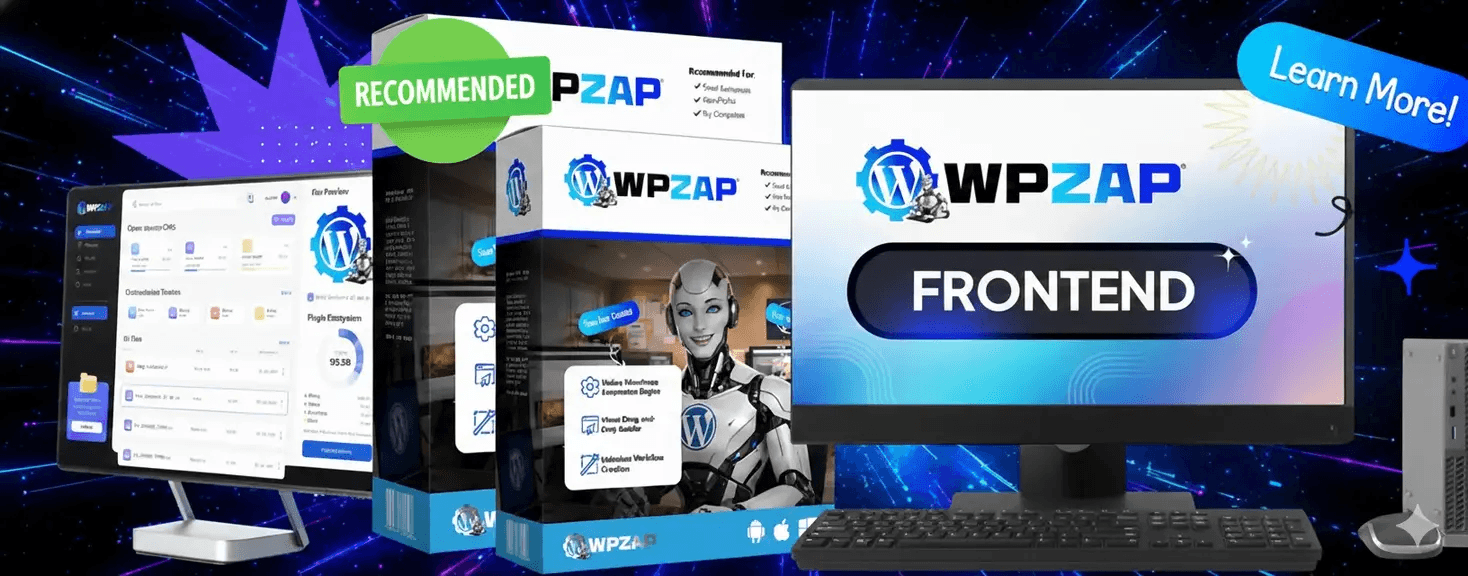
WPZap Review: The Ultimate WordPress to WhatsApp Automation Tool (2026 Edition)
In the modern digital landscape, the speed of communication is often the difference between a bounce and a conversion. As businesses shift away from slow email threads toward instant messaging, WhatsApp has emerged as the undisputed leader. For WordPress site owners, the challenge has always been: How do we bridge the gap between our website actions and our customers' phones?
Enter WPZap. This review explores why WPZap is becoming the "Zapier for WordPress-WhatsApp" and whether it deserves a spot in your plugin stack.
What is WPZap?
WPZap is a specialized WordPress plugin designed to automate the delivery of WhatsApp notifications based on specific triggers within your website. Unlike simple "Click to Chat" buttons that only allow a visitor to message you, WPZap works in reverse: it sends automated, personalized messages from your site to the user.
Whether it’s a new order confirmation, a form submission alert, or a "Thank You" message after a subscription, WPZap handles the heavy lifting without requiring manual input.
Key Features and Functionalities
Seamless WooCommerce Integration
For e-commerce owners, WPZap is a game-changer. It integrates directly with WooCommerce to send real-time updates:
Order Confirmations: Instantly notify customers when their order is placed.
Status Changes: Send automated alerts when an order moves from "Processing" to "Shipped" or "Completed."
Abandoned Cart Recovery: (Pro Feature) Remind users about items left in their cart via a medium they actually check—WhatsApp.
Form Plugin Compatibility
WPZap isn't just for shops. It connects with the most popular WordPress form builders, including Contact Form 7, WPForms, Gravity Forms, and Elementor Forms.
When a lead fills out a "Request a Quote" form, WPZap can instantly send them a brochure or a greeting message via WhatsApp.
Advanced Automation Triggers
Beyond forms and shops, WPZap allows for custom triggers. You can set up notifications for:
New user registrations.
Password change alerts.
Comments on blog posts.
Message Personalization (Variables)
No one likes a robotic message. WPZap allows you to use dynamic tags (placeholders) like {customer_name}, {order_id}, and {product_name}. This ensures every message feels personal and professional.
The User Experience: Setup and Interface
One of WPZap’s strongest selling points is its No-Code philosophy. You don't need to be a developer to connect your site to the WhatsApp API.
Installation: Standard WordPress plugin installation.
Connection: It uses a Gateway (often a QR code scan or an API key from providers like Twilio or specialized WhatsApp Gateways) to link your account.
Template Creation: A clean, intuitive dashboard where you write your messages and select your triggers.
The interface is "clean" in the 2026 sense—minimalist, fast-loading, and responsive on mobile devices.
Performance and Reliability
When it comes to automation, reliability is everything. If an order is placed and the notification fails, the tool is useless.
WPZap shines here because it utilizes Webhooks and official API channels. This ensures that the delivery rate is significantly higher than unofficial "grey-hat" workarounds. During our testing, messages were delivered within 2 to 5 seconds of the trigger action on the website.
Pros and Cons
The Pros
High Open Rates: WhatsApp messages have an open rate of nearly 98%, far exceeding email (20%).
Ease of Use: If you can navigate the WordPress dashboard, you can use WPZap.
Versatility: Works for blogs, e-commerce, and corporate lead-gen sites.
Improved Trust: Customers feel more secure when they receive an instant, branded message on their phone.
The Cons
Third-Party Costs: While the plugin might be affordable, you often have to pay for the WhatsApp API Gateway (e.g., Twilio or Meta fees).
Learning Curve for API: Connecting to the official WhatsApp Business API can be a bit tedious for absolute beginners.
WPZap Pricing: Is It Worth It?
WPZap typically offers a tiered pricing model:
Free/Lite Version: Good for basic "Click to Chat" and limited notifications.
Pro Version: Unlocks WooCommerce automation, abandoned cart recovery, and priority support.
For a business doing even 10 orders a week, the Pro version pays for itself by reducing customer support queries ("Where is my order?") and increasing repeat business through better engagement.
WPZap vs. Competitors
How does it stack up against plugins like Chaty or Vibe?
WPZap vs. Chaty: Chaty is great for a floating chat bubble, but it doesn't do "automated notifications" well. WPZap is the winner for automation.
WPZap vs. Uncanny Automator: Uncanny Automator is a generalist tool. WPZap is a specialist. If your focus is 100% on WhatsApp, WPZap's dedicated features make it more efficient.
Why Your Business Needs WPZap in 2026
In 2026, the "Customer Experience" is the product. People expect instant gratification. By automating your WhatsApp flow:
You reduce friction in the buying journey.
You build a database of reachable phone numbers (with consent).
You stand out from competitors who are still stuck using "No-Reply" emails.
Final Verdict
Rating: 4.8/5
WPZap is a robust, essential tool for any WordPress user serious about automation. It bridges the gap between a static website and a dynamic, conversational business. While the initial API setup might require some patience, the long-term ROI in terms of customer satisfaction and saved time is undeniable.


About me
DigiHub is your go-to platform for honest and detailed reviews of digital products, software, and online tools. It helps users make informed decisions by providing clear insights, pros, and cons.

